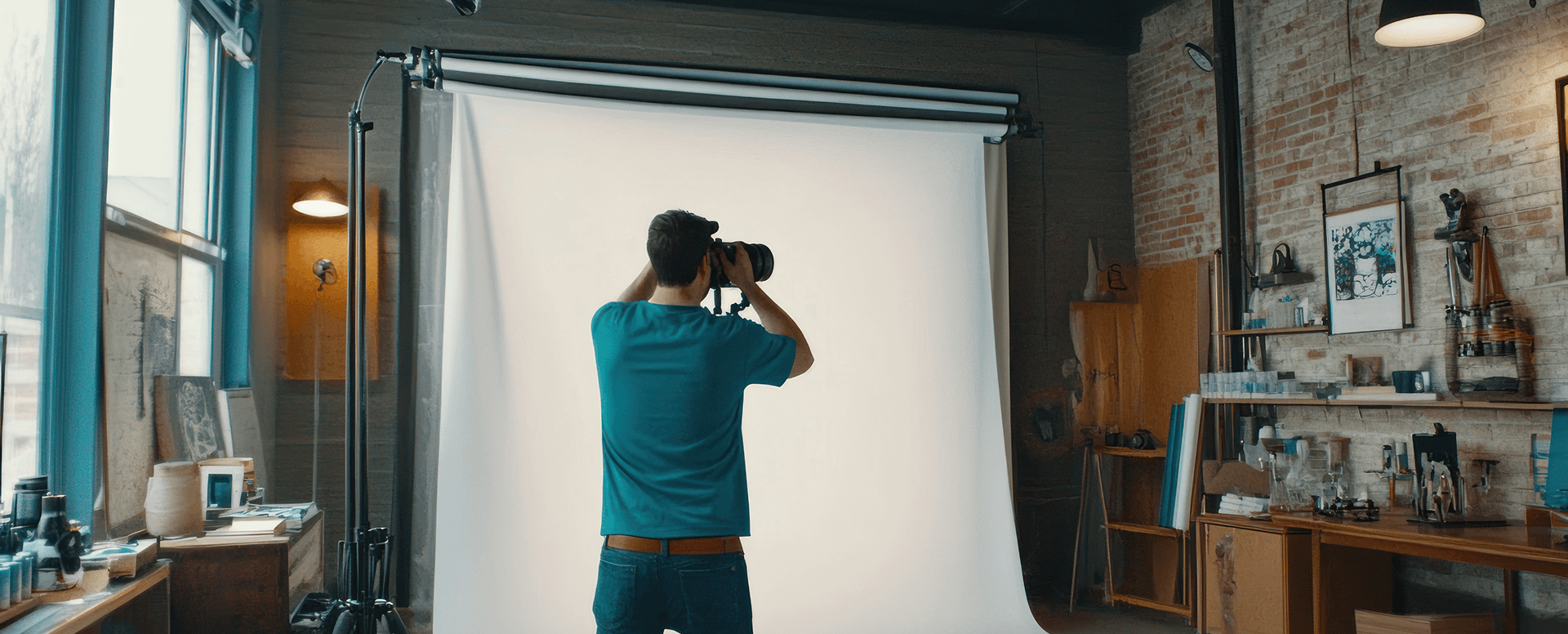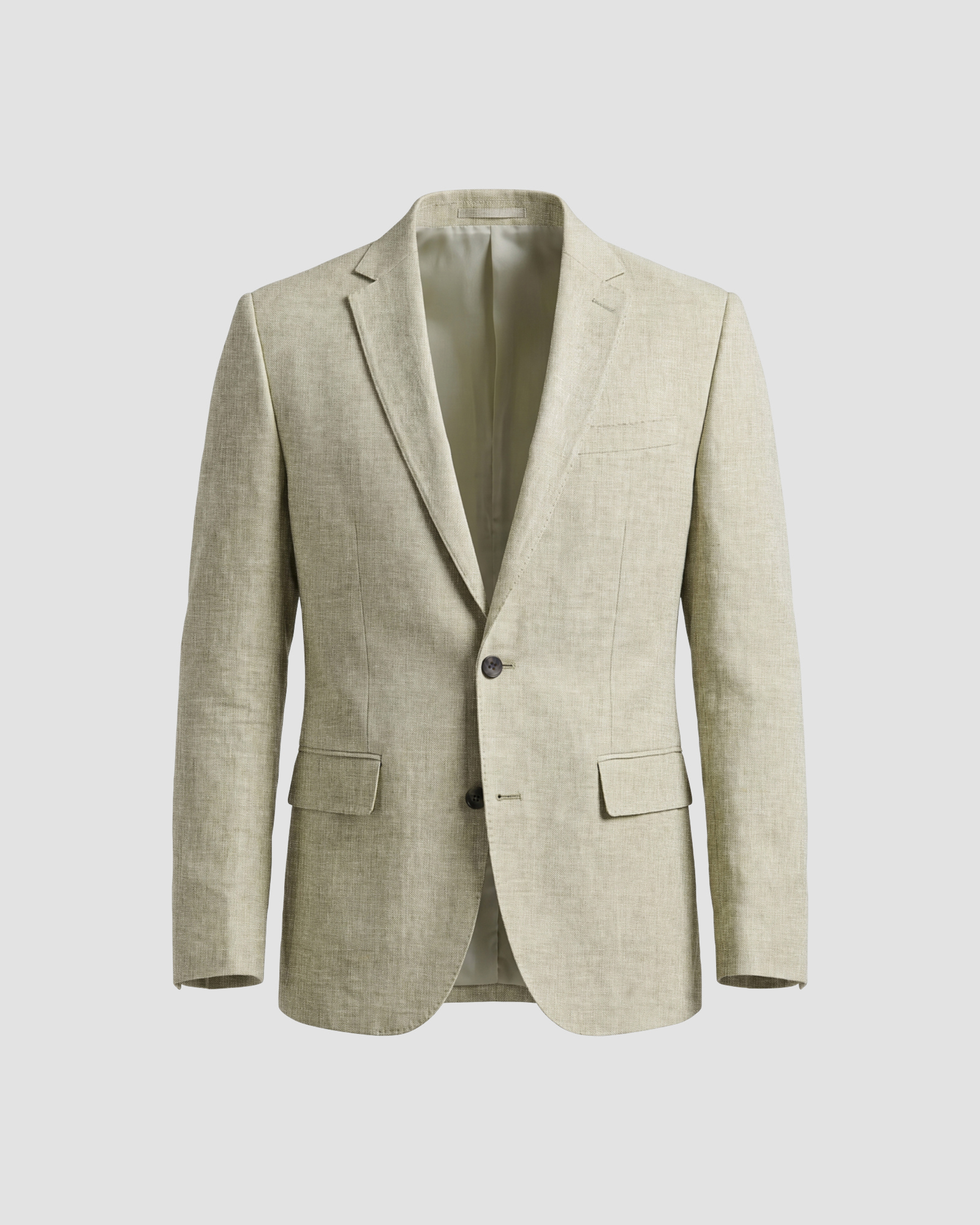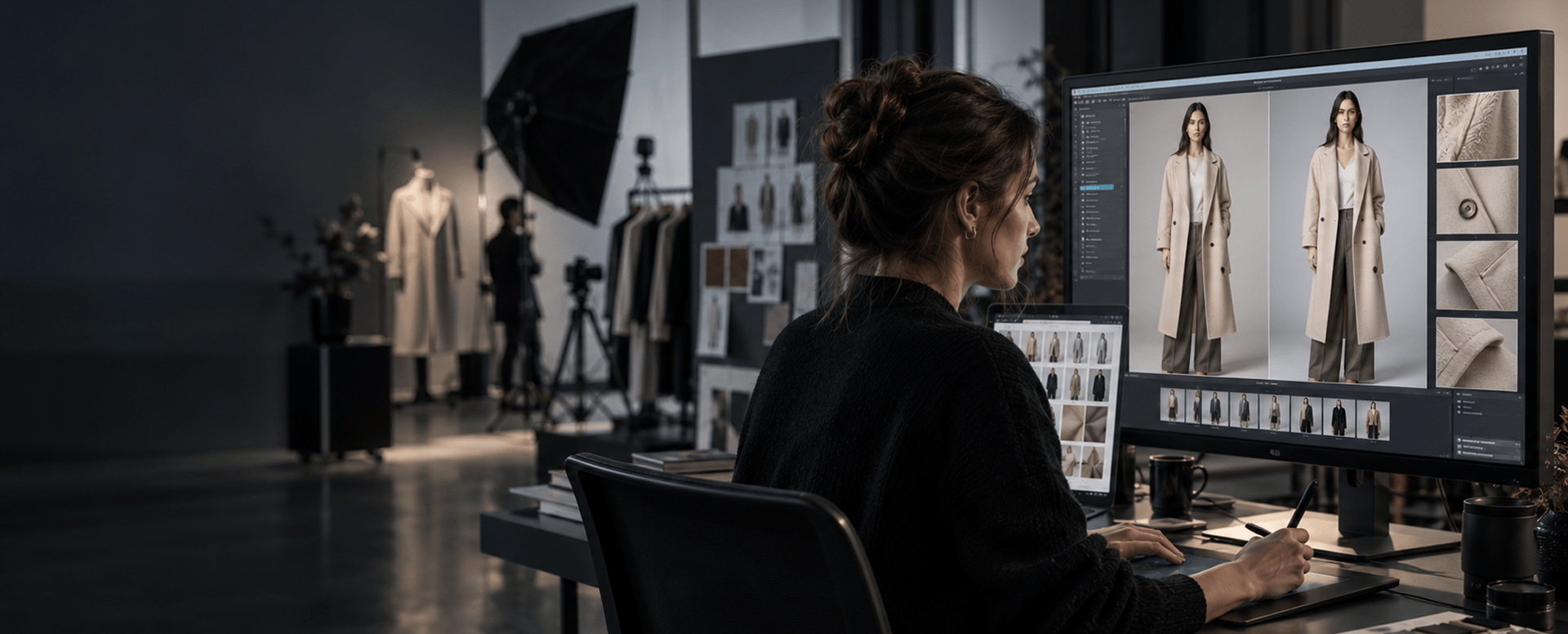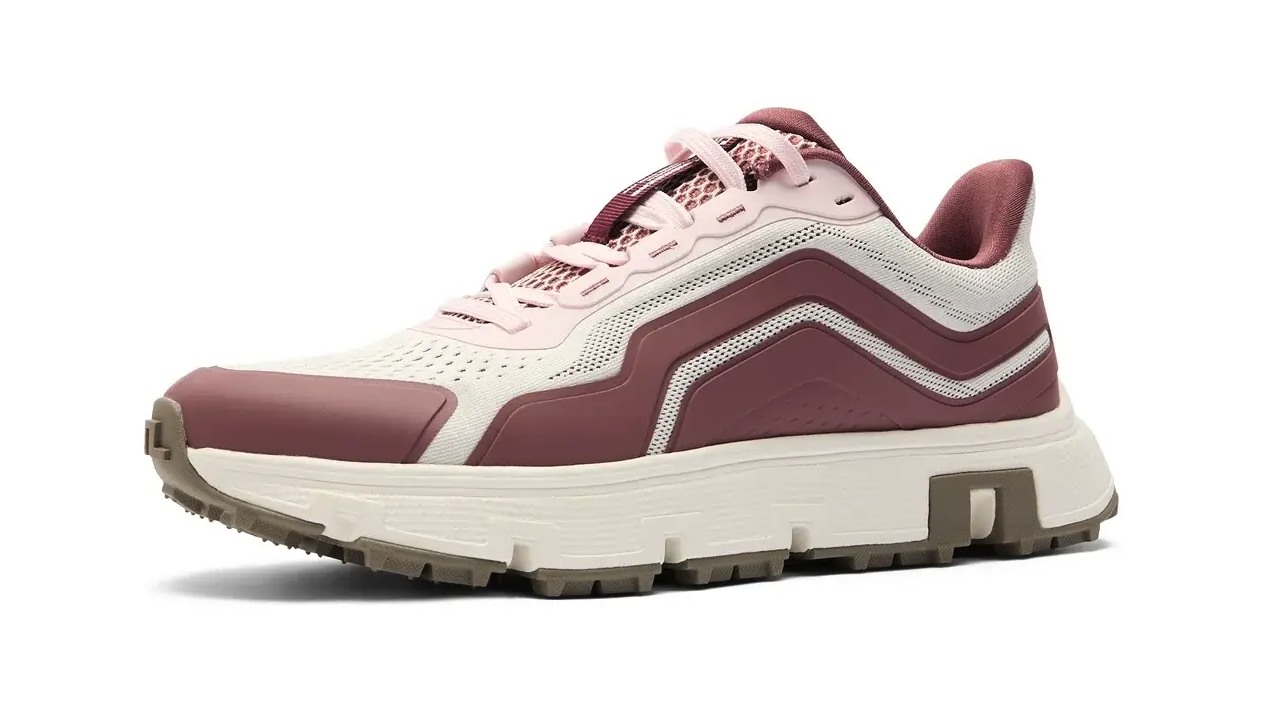
A single product almost never has a single image anymore. The same pair of shoes might need one crop for a retailer's own site, a different background for a marketplace listing, and a third version sized for a completely different platform. Preparing all of that from one photoshoot is a retouching problem before it's anything else.
Why One Photo Rarely Fits Every Channel
Each marketplace sets its own rules, and they rarely match. One platform wants a pure white background with no shadow. Another allows a light grey backdrop and expects the product to fill a set percentage of the frame. A third has specific requirements around watermarks, borders, or model presence in the shot.
A running shoe is a useful example. One marketplace might require the shoe shot at a strict three-quarter angle with no shadow at all. Another expects a subtle drop shadow to make the product feel grounded on the page. Neither retailer is wrong. They've simply built different rules, and a seller listing on both needs both versions ready before launch, not decided after a listing gets flagged.
A retailer selling across several of these channels ends up needing several versions of what is, technically, the same photo. Shooting each version separately isn't realistic at any real volume. Editing one clean master image into several channel-specific versions is what actually scales.
What This Looks Like in Practice
The starting point is usually one well-shot, high-resolution master image per product. From there, background work adjusts the image to each channel's specific requirement, whether that's a clean white cutout, a defined backdrop colour, or a transparent file a platform will composite itself. This is one part of a broader retouching pass rather than a separate service on its own.
Cropping and framing get adjusted the same way. A square crop that works for one marketplace's grid might cut off part of the product on a platform that expects a different aspect ratio. Getting this wrong doesn't just look inconsistent. On some platforms, it's grounds for a listing to be rejected outright.
Colour accuracy has to hold across every version. It's not enough for the master image to be correct if a compressed, resized copy for one channel ends up shifting slightly warmer or cooler than the original. Each exported version needs its own quality check, not just the source file.
Where This Usually Breaks Down
The most common failure point isn't the editing itself. It's tracking which version goes where. A retailer managing a few hundred SKUs across four channels is really managing a few thousand individual image files, and a naming or delivery mistake sends the wrong crop to the wrong platform.
A defined file-naming and delivery structure, agreed before the work starts, is what keeps that from happening. This is less about the retouching itself and more about the handoff process around it, but it's usually the difference between a smooth multi-channel launch and a week of cleanup afterward. The full process this fits into is covered here: Inside an E-commerce Photo Retouching Workflow.
FAQ
Do we need to reshoot products for every marketplace we sell on?
Not usually. One well-shot master image can typically be edited into the background, crop, and format each marketplace requires, without a new shoot for each channel.
What's the biggest risk when managing images across multiple retail channels?
Version control. With several channel-specific files per product, a naming or delivery mistake is more likely to cause a problem than the editing itself.
Does colour accuracy matter differently across channels?
Yes. Each exported version should be checked on its own, since resizing and compression can shift colour slightly even when the source image was correct.
Retailers managing images across several channels are welcome to send a sample catalogue through this process to see how it holds up at their own volume. Talk to Our Team to arrange it.